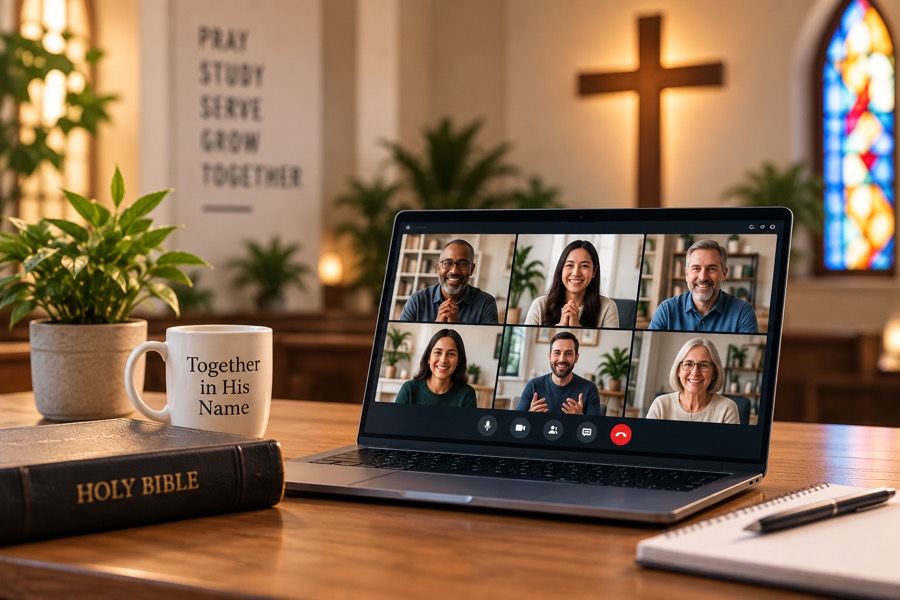
Churches
Permanent rooms for elder prayer, small groups and midweek study. Codes printed in the bulletin.
Six characters and a browser. Guests need no account, nothing to install — and the host decides exactly who comes through the door.
Name it, pick permanent or one-off, and GroupMeet mints a six-character code.
Read it aloud, print it in a bulletin, or send the link. Guests need no account.
Everyone checks camera and mic first. You decide who comes through the door.
Permanent rooms for elder prayer, small groups and midweek study. Codes printed in the bulletin.

One room per client, documents collected before the session, and a waiting door only you can open.
A branded workspace per team, a developer API to create rooms, and one console across every organization you run.
No open links, no discoverable rooms. A code gets a guest to the doorstep; the host lets them in.
No. Guests enter the six-character code, check their camera and mic, and wait for the host to admit them.
Yes. Permanent rooms keep the same code week to week, so a printed bulletin never goes stale.
The person who created the room, anyone they add as a co-host, and platform administrators. Everyone else waits at the door until one of them opens it.
Each organization is its own workspace with its own members, rooms and billing, all visible from the platform console.
Not by default. A host holds a permission that allows recording, so a meeting you join may be recorded by its host - they are responsible for telling you first. See our Disclosures for the detail.